Guides
Email marketing for beginners: from your first list to your first results
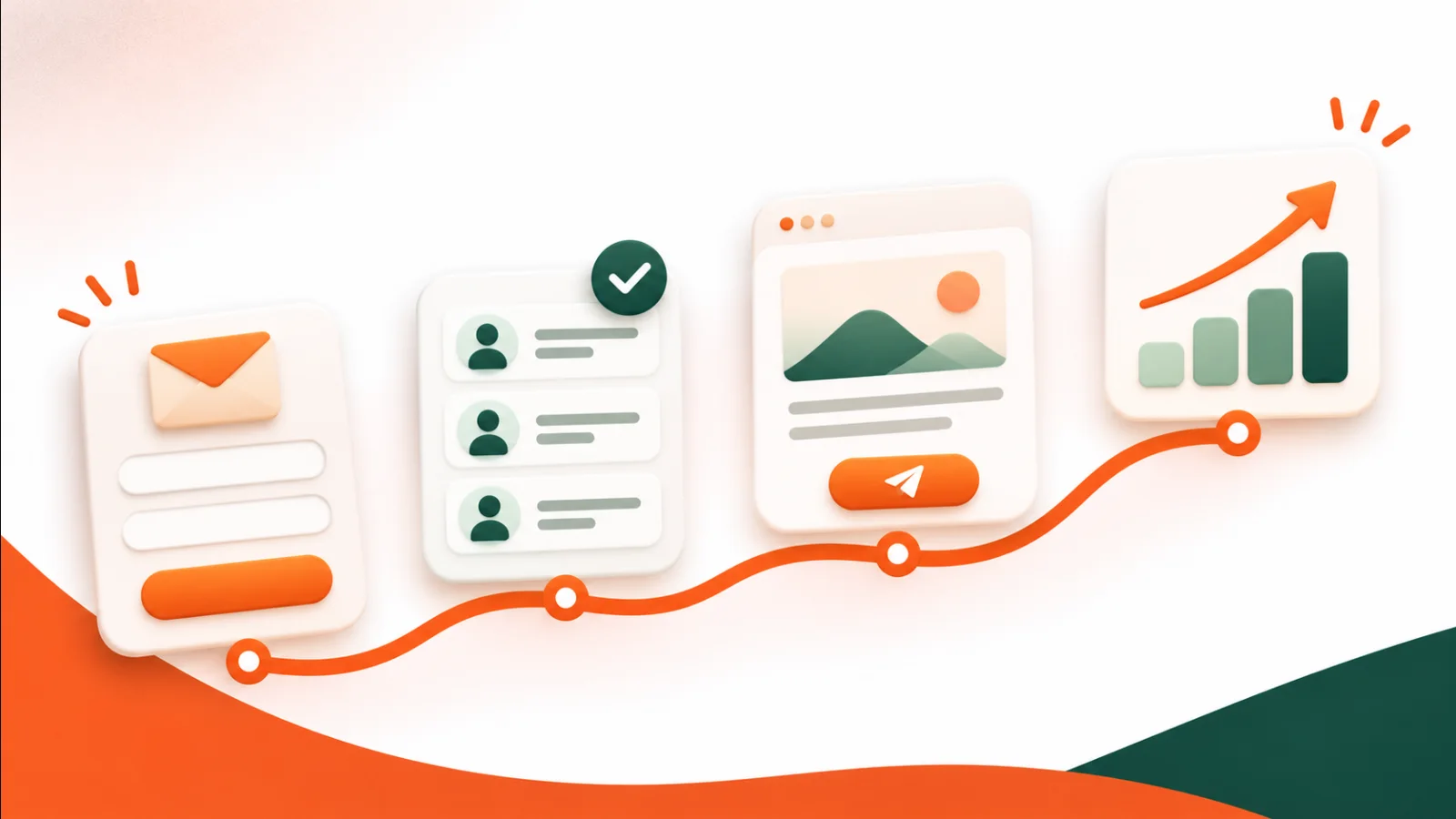
Email is still one of the most direct ways to reach the people who already know your business. You own the list, you choose when to send, and nobody's algorithm decides who sees your message. This guide walks you through the first steps, from collecting your first subscribers to reading your first report.
1. Start with permission
Only email people who asked to hear from you. A short list of people who signed up on purpose is worth more than a long list of addresses collected without consent: they open, they click, and they rarely mark you as spam.
- Add a signup form to your website and connect it to a list, so every new subscriber lands in the right place automatically.
- Turn on double opt-in so people confirm their address before they are added.
- Tell people what they will receive and how often, right next to the form.
In Flashmail you design the form, connect it to a list and add a small snippet to your site. See Signup Forms & Website Tracking.
2. Keep your list organized
As your list grows, you will want to send different messages to different people. Tags and segments make that possible without creating dozens of lists.
- Tags label contacts, for example by interest or by where they signed up.
- Segments group contacts by their details or their behavior, such as everyone in one city or everyone who clicked recently.
3. Send your first campaign
Keep the first one simple: one clear message, one main button.
- Pick a template or start in the drag-and-drop builder.
- Write a subject line that says what is inside. Clear beats clever.
- Use personalization where it helps, such as the subscriber's first name.
- Send yourself a test and check it on your phone.
- Send now, or schedule it for a time your audience is likely to read email.
Not sure which subject line works best? An A/B test sends two versions to part of your list and uses the winner for the rest. See Email Campaigns.
4. Read the report
Every campaign gets its own report. Look at:
- Delivered: how many emails reached a mail server.
- Opened and clicked: how many people engaged, and which links they chose.
- Unsubscribed, bounced and reported as spam: signals that the list or the message needs attention.
Compare campaigns over time rather than judging one send on its own. See Analytics & Reports.
5. Let automation do the routine
Once the basics work, automate the emails you would otherwise send by hand: a welcome series for new subscribers, a birthday message, or a reminder for a cart left behind. See Marketing Automation.
A simple checklist
- Signup form on your website, connected to a list
- Double opt-in turned on
- A first campaign with one clear goal
- A test email checked on mobile
- A look at the report a few days later
You can try all of this on Flashmail's free plan. Create a free account.