
Email Templates & Builder
Good-looking emails,
without writing code.
Pick a template from the library, change it in the drag-and-drop builder and save it for next time. If you already have a design, paste or upload your own HTML.
Template library · Drag-and-drop builder · Preview · Your own HTML
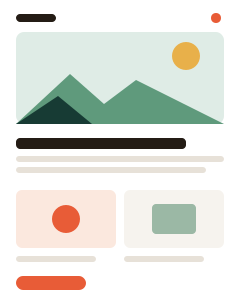


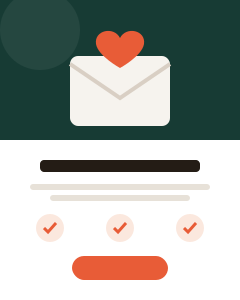
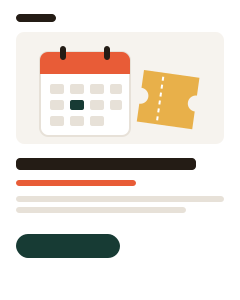
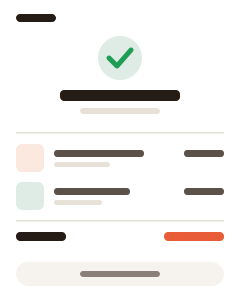
Template library
Base and Extended template categories.
No coding needed
Build emails with drag and drop.
Reusable designs
Save your own templates for later.
Drag-and-drop builder
Drag, drop,
and it's done.
Add headings, text, images, buttons and columns by dragging them into place. Preview the result before you send.

A new heading
Free delivery on every order this weekend.
 See the offer

Your own designs
Bring your own HTML,
or save your favorites.
Paste or upload HTML you already have, and save any design as your own template. Use it again in your next regular or A/B test campaign.
What you get
Everything you need to design an email.
From a ready-made start to your own reusable designs.
Base templates
Simple layouts to start from.
Extended templates
More designs for different kinds of emails.
Drag-and-drop builder
Arrange images, text and buttons without writing code.
Preview
Check how your email looks before you send it.
Your template library
Save your own designs next to the built-in ones.
For every campaign
Newsletters, promotions and product launches.
Getting started
Design your first email.
Start from a template and make it yours.
-
1
Pick a template
Browse the library or upload your own HTML.
-
2
Edit in the builder
Change text, images and buttons by drag and drop.
-
3
Preview and save
Check the result and save it for your campaigns.
Common questions.
Do I need to know HTML?
No. The drag-and-drop builder lets you design emails without coding. If you do have HTML, you can paste or upload it.
Can I reuse a design?
Yes. Save any design as your own template and use it again in later campaigns.
What about recipients who cannot view HTML?
Flashmail creates a plain-text version of your HTML email automatically.
Design your next email
in minutes.
Create a free account and open the template library.