Guides
Deliverability basics: how to make sure your email reaches the inbox
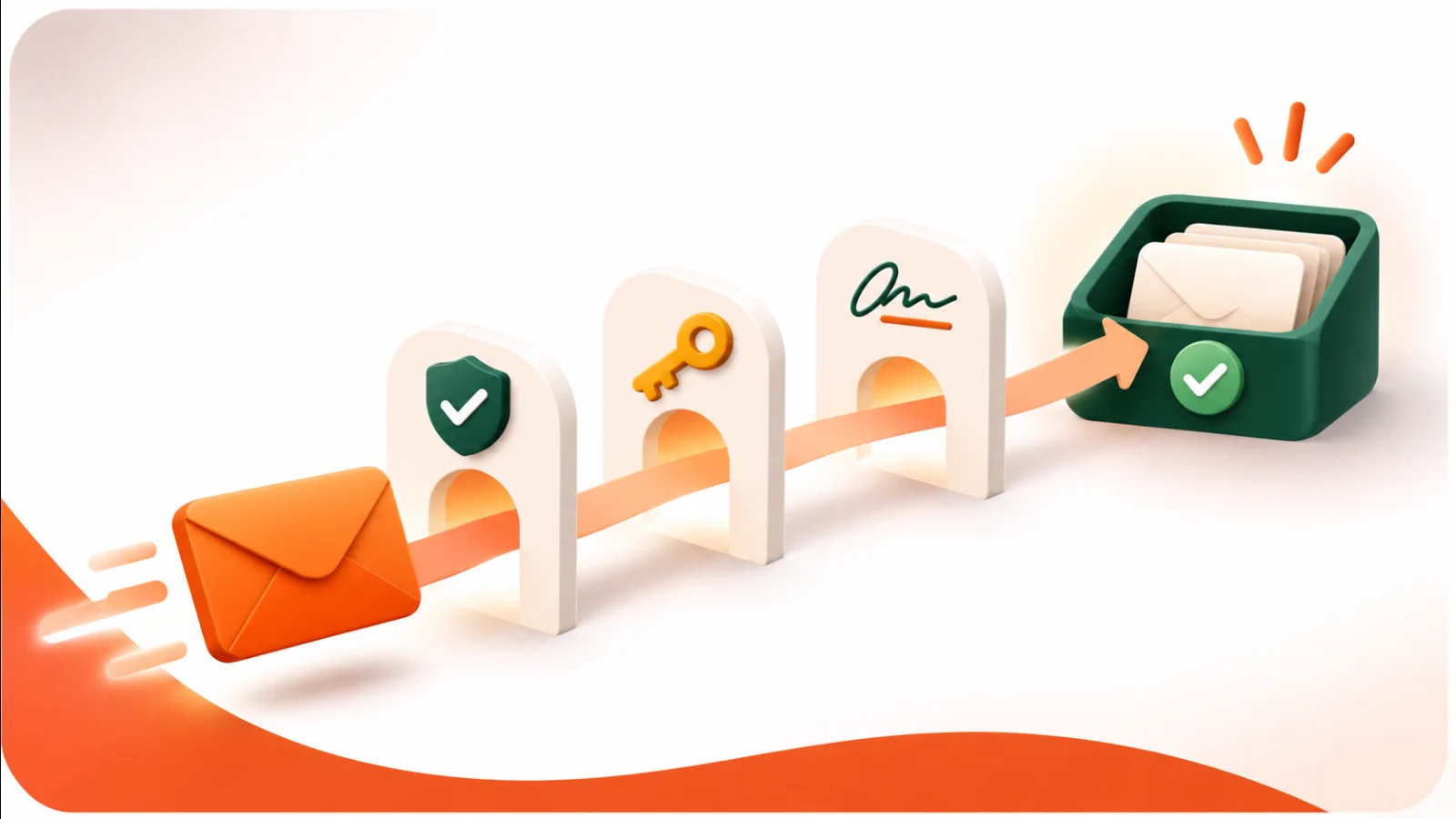
Sending an email is not the same as delivering it. Mailbox providers such as Gmail and Outlook decide whether your message goes to the inbox, the spam folder or nowhere at all. They base that decision on who you are, how you send and how recipients react. This guide covers the basics you control.
Prove who you are: SPF, DKIM and DMARC
These three DNS records tell mailbox providers that email from your domain really comes from you.
| Record | What it does | What it protects against |
|---|---|---|
| SPF | Lists the servers that are allowed to send email for your domain. | Others sending email in your domain's name from their own servers. |
| DKIM | Adds a digital signature to each email, so the receiver can check it was not changed on the way. | Messages that were altered after you sent them. |
| DMARC | Tells receivers what to do when an email fails those checks, and can send you reports about it. | Spoofed email reaching inboxes, and problems going unnoticed. |
In Flashmail you add your sending domain, copy the DNS records into your domain settings and let Flashmail verify them. See Deliverability.
Keep your list clean
How recipients react is just as important as your DNS records.
- Bounces: addresses that no longer exist hurt your reputation. Remove them instead of sending again and again.
- Spam complaints: every "report spam" click is a strong negative signal. People who complain should never receive campaigns again.
- Inactive subscribers: people who have not opened for a long time lower your engagement. Try a re-engagement email, then stop sending to those who stay silent.
Flashmail handles bounces and complaints on the platform and keeps a blacklist, so suppressed addresses are skipped by every future campaign.
Send like a trusted sender
- Only send to people who opted in, and make unsubscribing easy.
- Send at a steady rhythm rather than in sudden bursts.
- Use a recognizable sender name and a subject line that matches the content.
- Keep a healthy balance of text and images, and avoid link shorteners.
- Check your reports after each campaign: a rise in bounces or complaints is an early warning.
Checklist before a big send
- Sending domain verified with SPF, DKIM and DMARC
- List imported from a permission-based source
- Known bad and unsubscribed addresses on the blacklist
- Test email checked in Gmail and on mobile
Want to put this into practice? Start with a free Flashmail account.